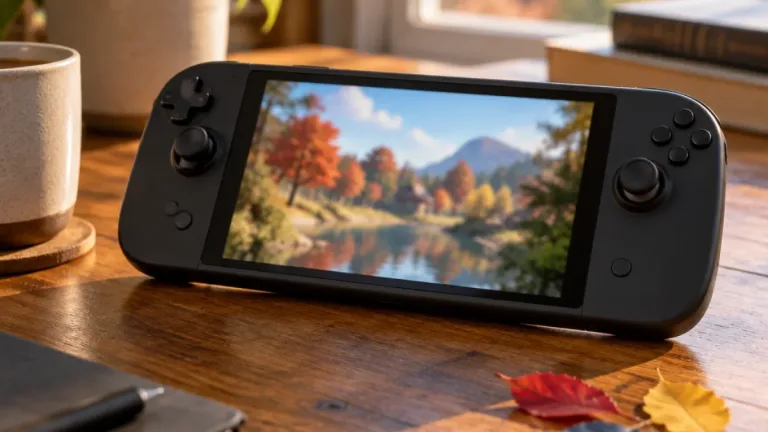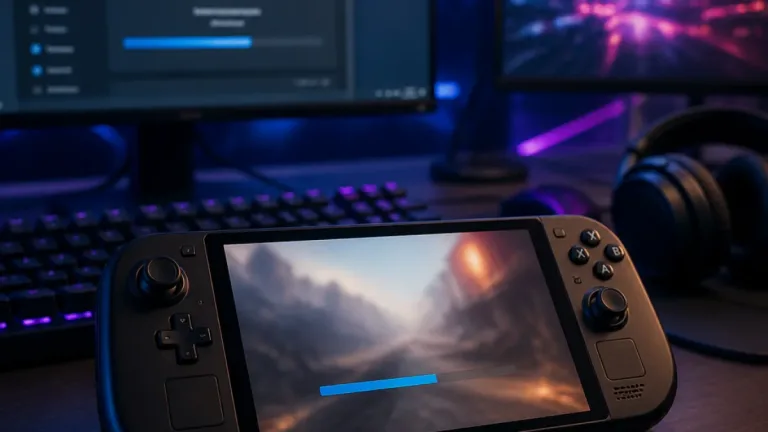
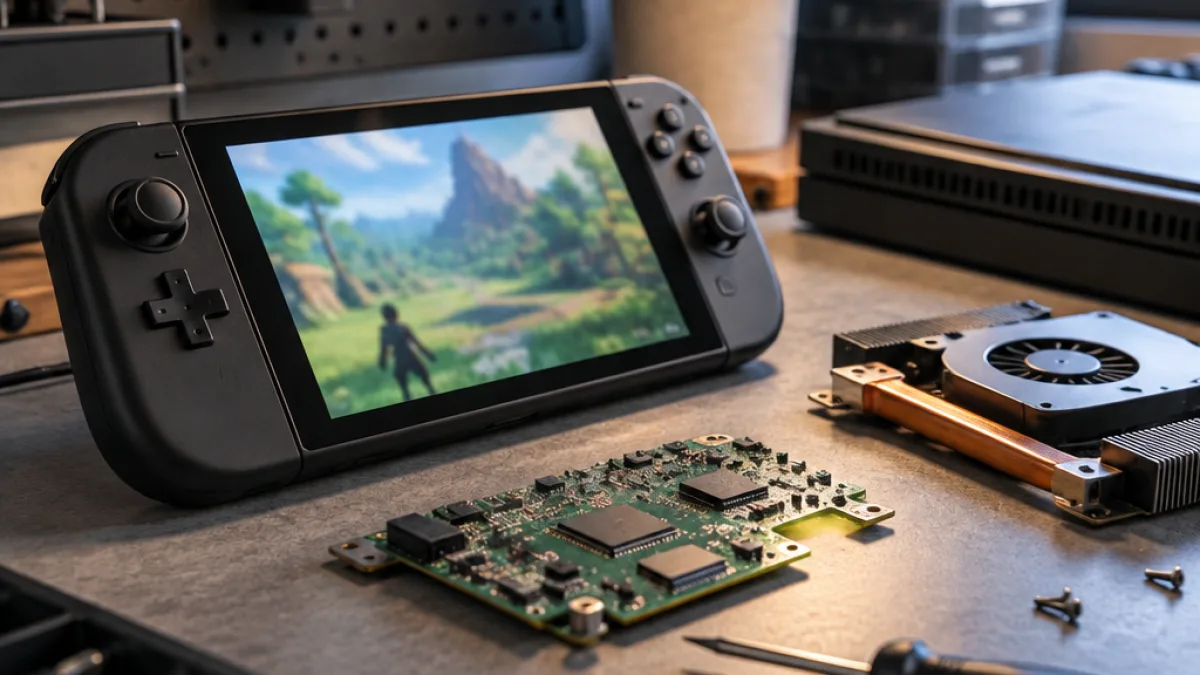
Microsoft has expanded its Automatic Super Resolution technology to the built-in displays of the ROG Xbox Ally X and X20 handhelds. The feature is now out of preview on both devices and on select AMD Ryzen Copilot+ PCs, following an Xbox Insider test that began in April.
During the preview, Auto SR worked only when the Ally X was connected to an external display. The latest rollout enables it while the handheld is being used without a dock and on battery power. Games running at 1080p are also supported, although Microsoft warned that this resolution may not perform as well on the internal display as other configurations.
AI processing runs on the NPU
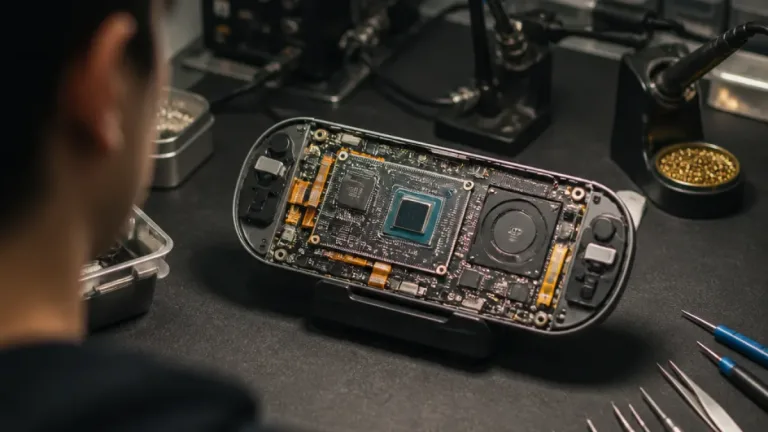
Auto SR uses an AI model on the device's neural processing unit, or NPU, to upscale the game image without taking frame time away from the GPU. The base ROG Xbox Ally is excluded because its processor does not include an NPU.
Microsoft is also introducing a Performance Mode that increases Auto SR's frame-rate limit to 120 FPS. Before the change, the feature generally operated at about 60 to 75 FPS. In Microsoft's Rocket League test on the Ally X, the game ran at 720p with high settings and averaged about 70 FPS in Quality Mode. Performance Mode reached about 115 FPS in the same test.
- Auto SR now works on the Ally X and X20's built-in screens.
- Supported games can run at 1080p input resolution.
- Performance Mode raises the frame-rate ceiling to 120 FPS.
- Auto SR can be used with Auto HDR.
The upscaler can now be paired with Auto HDR, though Microsoft said support for both Performance Mode and Auto HDR will be delivered gradually through Windows updates. Microsoft also said older games may still receive visual improvements when Auto SR is enabled.
What owners need
Activating the feature requires the latest Windows 11 update, the latest Game Bar update and the Auto Super Resolution Package from the Microsoft Store. The changes apply to the handheld models with the required hardware, while the base ROG Xbox Ally remains outside the rollout because of its missing NPU.
ROG Xbox Ally X owners have also had access to a preview driver for FSR 4.1 since last month. That option remains available in games that support it, while Auto SR provides a separate upscaling path for other compatible titles.