Xbox is testing two new ways to use its Cloud Gaming service, including a phone-based control option for supported smart TVs and direct Wi-Fi connections for the company’s new Nano controllers.
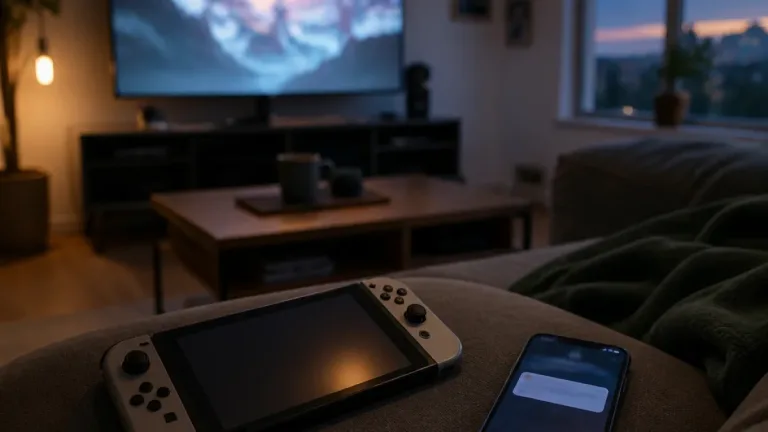
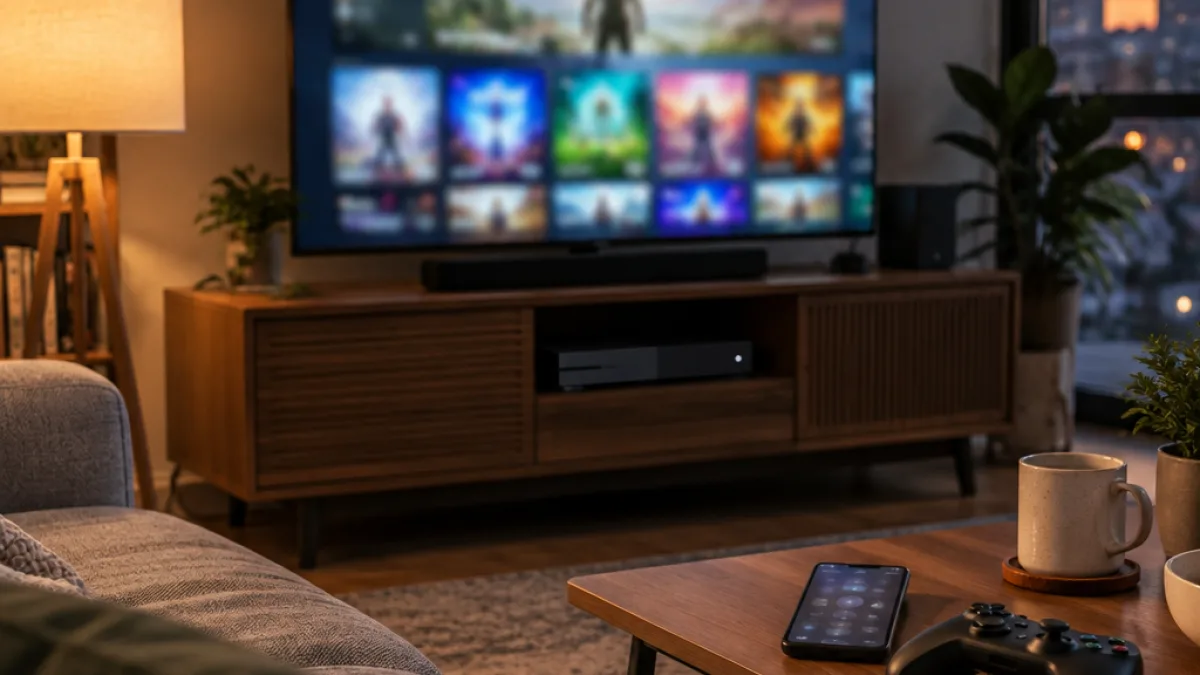
The first test allows players to start an Xbox Cloud Gaming session on a supported smart TV and use a compatible Android or iOS phone instead of a traditional controller. Xbox has offered touch controls for selected cloud games since the service began, but this test extends phone input to smart TV play.
Players taking part in the preview can enable the feature through their Xbox account settings. After starting a cloud game on a supported smart TV, the interface will offer a choice between connecting a controller and connecting a phone.
- Phone-based controls are being tested for Xbox Cloud Gaming on supported smart TVs.
- The phone can replace an Xbox controller during the smart TV session.
- Xbox Nano controllers can connect directly to a cloud gaming session over Wi-Fi.
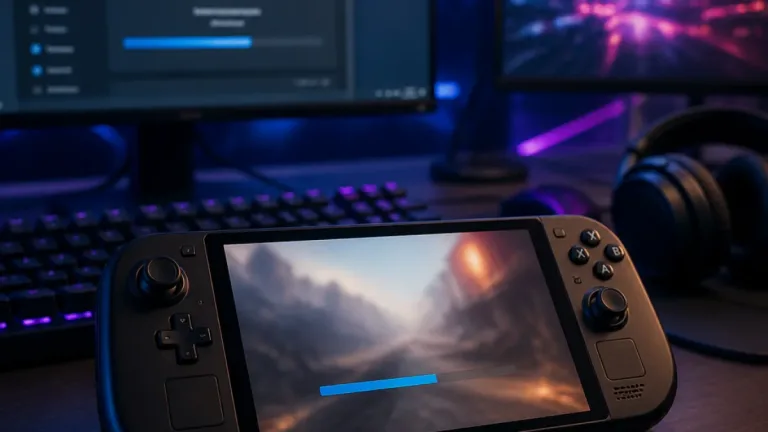
The second test concerns Xbox’s new Nano controllers. Instead of requiring the accessory to connect through another device, the controller can connect directly to the Cloud Gaming session over Wi-Fi. The test gives owners of the new hardware another way to link it with a cloud game.
Cloud Gaming background
Xbox Cloud Gaming completed a year-long testing period before its official launch in September 2020. The service initially arrived as part of Xbox Game Pass Ultimate, allowing subscribers to stream selected games from the Game Pass library without downloading them. Xbox also positioned cloud play as a way to access games on mobile devices, PC and other supported platforms.
Xbox is making both new access methods available through its current testing program. The smart TV option requires users to turn on preview features in their account settings, while the Nano controller test applies to owners using the compatible accessory. The tests concern how players connect to Cloud Gaming rather than a change to the games included in the service.